
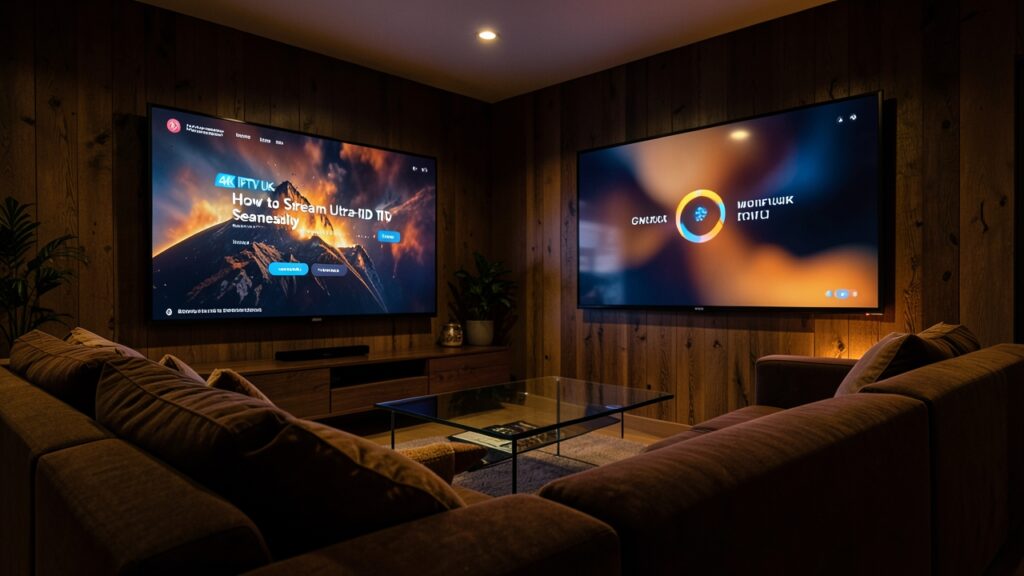
4K IPTV playback in the UK depends on several parts working together: a 4K television, a compatible streaming device and app, a suitable source stream and a stable internet connection. A 4K label on a package alone does not guarantee that every programme will play in Ultra HD.
Check the full device chain
Confirm that your television supports 4K and that any external streaming box can output the resolution you want. Use an appropriate HDMI port and cable, then check the device’s display settings. Some televisions enable enhanced HDMI features separately for particular ports. Follow the manufacturer’s instructions for your model.
Plan for a stable connection
Ultra HD video generally needs more sustained bandwidth than HD. The exact amount varies with compression and frame rate, so use the streaming service’s current guidance and leave capacity for other household devices. If the TV is far from the router, Ethernet or a better access point may improve stability more than upgrading headline broadband speed.
Choose an authorised service
Before subscribing, check which programmes are actually offered in 4K, whether HDR is included, what devices are supported and how many screens can stream at once. Confirm that the provider has the rights to distribute its advertised content in the UK. Read pricing, renewal and cancellation terms.
Fix common 4K problems
- Soft picture: check the source resolution, app settings and TV output mode.
- Buffering: test the network near the television and pause competing downloads.
- Black screen: restart the app and check HDMI input and device compatibility.
- Unusual colours: review HDR and picture settings on both the TV and streaming device.
Change one setting at a time so you can identify what helps. If only one programme fails, the source stream or provider may be responsible; contact its official support team with the error details.
Keep software current
Install system and app updates through official channels. Avoid unofficial downloads that ask you to disable device security. Review app permissions and remove software you no longer use.
Test before committing
If a legitimate trial is offered, test at your usual viewing time and on the device you plan to use. Reliable HD can be more enjoyable than unstable 4K, so choose based on actual performance, compatibility and transparent content rights rather than the resolution label alone.
Useful: Sample Page


