
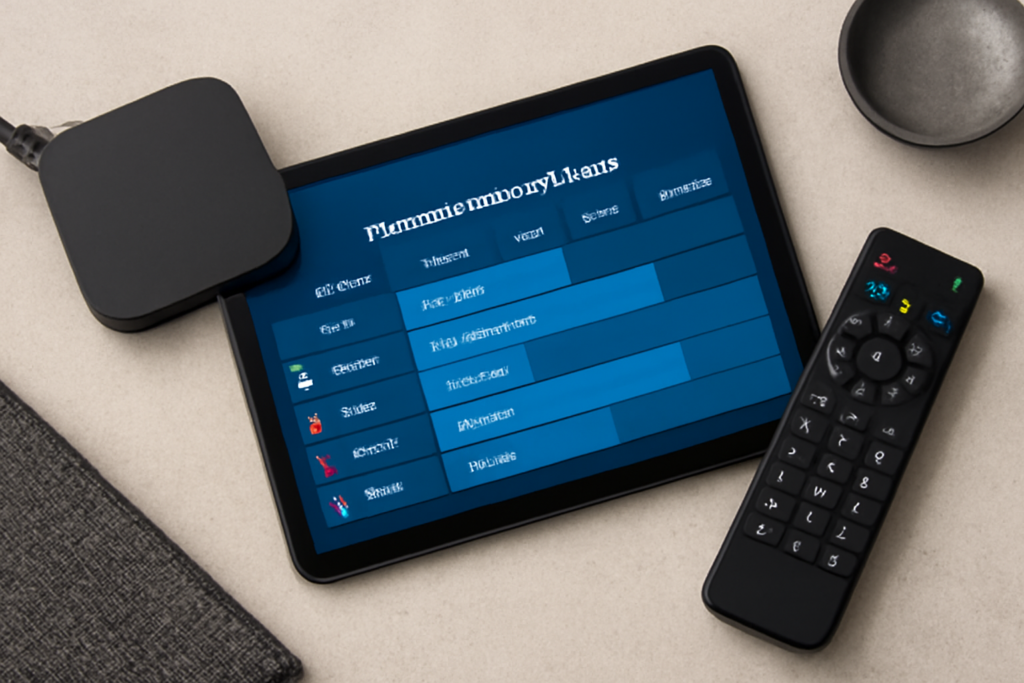
How to Use EPG (Electronic Program Guide) with UK IPTV Services: Practical Guide
How to Use EPG (Electronic Program Guide) with UK IPTV Services is the focus of this practical guide. The following sections explain useful options, key considerations and clear steps to help readers make an informed decision.
Understanding EPG and Its Role in UK IPTV Services
The Electronic Program Guide (EPG) is an essential feature for IPTV users in the UK, offering a structured overview of TV schedules and channel lineups. Unlike traditional TV guides, EPG integrates directly with your IPTV service, presenting real-time program information, upcoming shows, and channel details in a user-friendly interface. This makes browsing and planning your viewing experience straightforward and convenient.
Why Use an EPG with UK IPTV?
EPGs add significant value to IPTV services by:
- Organizing Channels: Quickly find your favorite channels without scrolling endlessly.
- Scheduling Viewing: Set reminders or record shows if your IPTV supports it.
- Discovering Content: Browse upcoming programs to explore new shows or live events.
- Improving Navigation: Access program information without interrupting playback.
These functionalities enhance your overall IPTV experience and make streaming resemble traditional TV in ease of use.
Steps to Set Up and Use EPG with UK IPTV Services
1. Choose an IPTV Provider That Supports EPG
Not all IPTV services include EPG functionality by default. When selecting a service to get the best IPTV in the UK, verify that the provider offers an EPG feature compatible with your devices. Paid services often provide reliable EPG data, while some free services might lack updated guides or have limited features.
2. Install IPTV Player or App Compatible with EPG
To use EPG, you’ll need an IPTV player or app that supports guide integration. Popular IPTV apps like IPTV Smarters Pro, Perfect Player, or TiviMate allow you to import EPG data through URLs or files. Make sure your chosen app is compatible with your device, whether it’s a smart TV, Android box, Firestick, or mobile device.
3. Obtain the EPG URL or XML File
Your IPTV provider typically supplies an EPG URL or an XML file link. This link connects your IPTV app to a live program schedule feed. It is crucial to input the correct EPG source, as outdated or incorrect links can cause the guide to display incomplete or inaccurate program information.
4. Load the EPG into Your IPTV App
Within your IPTV app settings, look for the EPG or Guide section. Here you can add the EPG URL or upload the XML file. After saving, the app will download the guide data, which may take a few moments depending on your internet speed.
5. Customize EPG Display and Settings
Many IPTV apps let you adjust how the EPG is displayed—for example, choosing between grid or list views, filtering channels, and setting time zones. Calibrating these settings ensures the program times align with your local UK timezone, avoiding confusion when scheduling recordings or reminders.
Practical Tips for Maximizing EPG with UK IPTV
- Refresh EPG Regularly: Program listings can change frequently. Refresh your EPG data periodically to keep the guide updated.
- Check Time Zone Settings: Incorrect time zone settings can misalign program schedules. Confirm your IPTV app is set to GMT or BST as appropriate.
- Use EPG for Multi-Screen Viewing: If your IPTV supports multiple devices, synchronize EPG settings across them for a seamless experience.
- Explore Advanced Features: Some IPTV services allow you to record shows via the EPG or set alerts for live events, enhancing your control over content consumption.
Limitations and Common Issues with EPG on UK IPTV
While EPG greatly improves IPTV usability, there are some caveats:
- Incomplete Coverage: Some IPTV providers may not have full EPG data for all channels, especially niche or international ones.
- Third-Party EPG Sources: When providers don’t supply EPG, users must find alternative sources, which may lack reliability or accuracy.
- Device Compatibility: Not all IPTV devices support advanced EPG features, limiting guide functionality.
- Data Synchronization: Delays in updating the EPG can cause mismatches between actual broadcast times and guide listings.
Understanding these issues helps set realistic expectations when using EPG with UK IPTV services.
How EPG Enhances the Experience of Getting the Best IPTV in the UK
With easy access to programming schedules, EPG enables UK IPTV users to efficiently manage their viewing habits, avoid missing live sports or special broadcasts, and explore more channels without frustration. This feature is a key differentiator when choosing IPTV providers, reflecting service quality and user convenience.
For a practical overview of evaluating IPTV channel lineups, including how EPG fits into your decision process, see how to use IPTV free trials.
Conclusion
Using the Electronic Program Guide with UK IPTV services transforms your streaming from a channel-surfing experience into a well-organized, user-friendly system. By selecting an IPTV provider with solid EPG support, properly setting up your IPTV app, and understanding how to navigate the guide, you can maximize your enjoyment of live and on-demand content. Remember to regularly update your EPG data and customize settings for the best results. This approach ensures your IPTV service feels familiar, efficient, and tailored to your viewing preferences.


