
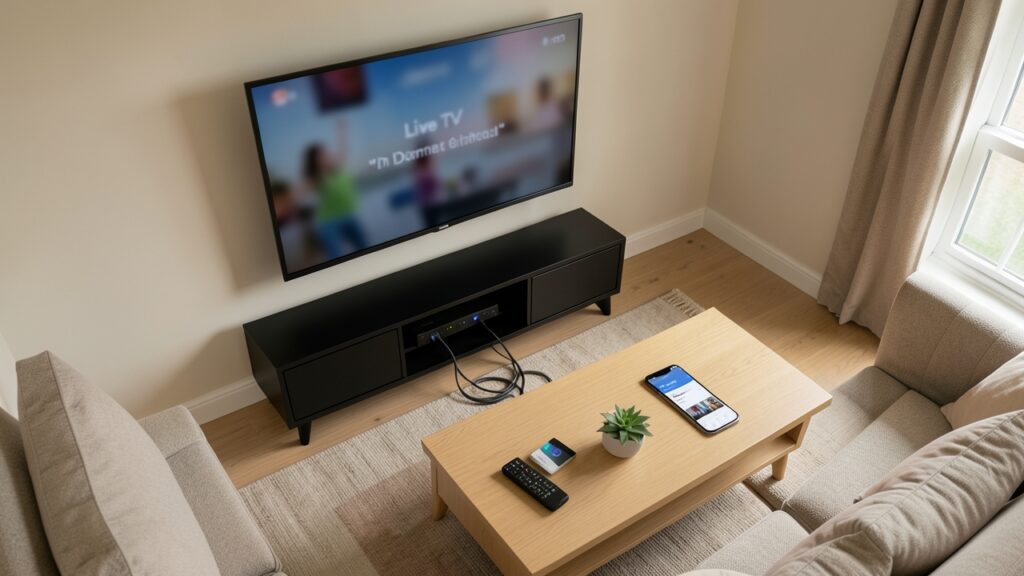
Choosing the right broadband speed makes a noticeable difference to IPTV streaming in the UK. The speed you need depends on picture quality, how many people use the connection at once, and whether other devices are downloading or gaming while you watch.
How much speed does IPTV need?
As a practical starting point, allow around 5–10 Mbps for one HD stream and 15–25 Mbps or more for a 4K stream. These are planning estimates rather than guarantees: an app, video format, home network and provider can all affect performance. A household watching on several screens needs additional capacity.
Think about the whole household
Do not choose a broadband package based only on the television. Video calls, cloud backups, game downloads and other streaming devices also use bandwidth. If two TVs play HD content while someone joins a video meeting, a faster connection and a reliable router can help prevent competition for capacity.
Speed is not the only factor
A speed test measures the connection at one moment. Streaming can still stutter if Wi-Fi coverage is weak, the router is overloaded, latency is high or the service itself has problems. Test near the television and at the time you usually watch. Compare Wi-Fi with Ethernet if your device supports it.
Improve your setup
- Place the router in an open, central position.
- Use 5 GHz Wi-Fi when the device is nearby and signal quality is good.
- Connect a fixed TV or streaming box by Ethernet where practical.
- Pause large downloads during important live programmes.
- Restart networking equipment only when needed, and keep firmware updated.
Choose a suitable service
Check the service’s published bandwidth guidance, supported resolutions and device limits before paying. Use authorised services and test any legitimate trial on your own network. If buffering persists across different apps and devices, contact your broadband provider or the streaming service rather than assuming speed is the only cause.
Quick takeaway
A stable connection with spare capacity is more useful than a high headline speed that does not reach the TV reliably. Check actual performance in the room where you watch, then choose a package that suits your household’s simultaneous use.
Useful: Sample Page


