
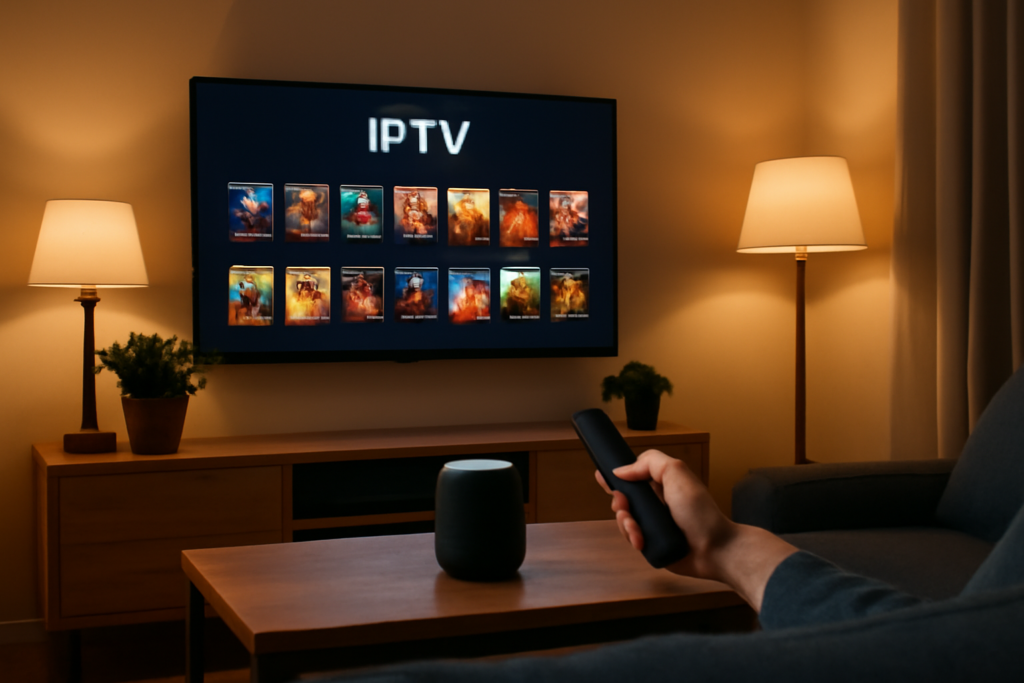
How to Integrate IPTV Movie Services with Smart Home Systems: Practical Guide
How to Integrate IPTV Movie Services with Smart Home Systems is the focus of this practical guide. The following sections explain useful options, key considerations and clear steps to help readers make an informed decision.
Why Integrate IPTV Movie Services with Smart Home Systems?
Integrating IPTV movie services with smart home systems lets you control your vast movie library—sometimes up to 70,000 titles—and streaming options through voice commands, automation, or centralized apps. This creates a unified entertainment experience where your TV, sound system, lighting, and other devices respond dynamically to your viewing preferences.
Instead of juggling multiple remotes or apps, you can streamline operation, customize ambiance, and manage content effortlessly. This is especially useful when your IPTV service offers extensive movie catalogs that benefit from intuitive navigation and quick access.
Key Considerations Before Integration
- Compatibility: Ensure your IPTV service supports the platform or device your smart home system runs on (e.g., Alexa, Google Assistant, Apple HomeKit).
- Device Support: Verify that your smart TV or streaming device can install IPTV apps or receive commands from your smart home hub.
- Network Reliability: IPTV streaming demands stable and fast internet; your home network should handle high bandwidth without interruptions.
- Security: Use authorized IPTV providers and secure your smart home devices to avoid unauthorized access.
Step-by-Step Guide to Integrate IPTV with Smart Home Systems
1. Select Your IPTV Application and Devices
Choose an IPTV app compatible with your smart ecosystem. Popular IPTV apps often support Android TV, Amazon Fire TV, or Apple TV, which are commonly integrated into smart home setups.
For example, if you use Alexa, a Fire TV Stick with an IPTV app installed lets you control playback via voice commands.
2. Install IPTV Apps on Your Smart TV or Streaming Device
Download and install the IPTV service app on your compatible device. Follow provider-specific setup instructions, such as entering your subscription details or loading playlists.
For detailed installation instructions on IPTV apps, see How to Add and Manage IPTV Playlists on Your Smart TV.
3. Connect Your Streaming Device to Your Smart Home Hub
Link the streaming device with your smart home system. For instance, enable the Fire TV skill in Alexa’s app or add your smart TV to Google Home.
This connection enables voice commands like “Alexa, open IPTV” or “Hey Google, pause the movie.”
4. Automate IPTV Controls with Routines or Scenes
Use your smart home app to create routines that adjust lighting, close blinds, and start IPTV streaming simultaneously. For example, a “Movie Night” scene could dim lights, set volume, and launch your IPTV movie service.
This enhances immersion without manual adjustments.
5. Customize Remote and Voice Commands for IPTV Navigation
Configure shortcuts or voice phrases for frequently used IPTV functions like browsing categories, searching titles, or switching audio tracks.
Some advanced IPTV apps allow integration with smart remotes or voice assistants to support commands such as “Play the latest thriller” or “Show me comedy movies.”
Practical Tips for a Smooth IPTV and Smart Home Integration
- Test Your Network Speed: Streaming 4K movies requires consistent speeds above 25 Mbps. Use wired connections if possible to reduce buffering.
- Update Firmware and Apps: Keep your IPTV app and smart home devices updated for compatibility and security.
- Secure Your IPTV Access: Avoid sharing login credentials openly; use features like user profiles or parental controls within IPTV apps.
- Use Voice Assistant Skills Carefully: Some IPTV services offer official Alexa or Google Assistant skills—prefer these over third-party tools to reduce errors.
Limitations and Challenges
While integrating IPTV with smart home systems offers convenience, it’s not without hurdles:
- Limited Direct Support: Not all IPTV providers have native smart home integration, so some functionality may rely on workarounds.
- Latency Issues: Voice commands might experience slight delays depending on network performance and device responsiveness.
- Complex Setup: Initial configuration can be technical, especially syncing custom IPTV playlists or portals with smart home routines.
Conclusion
Integrating IPTV movie services with your smart home system elevates your entertainment setup by combining vast streaming options with intuitive control and automation. By carefully selecting compatible devices, setting up IPTV apps properly, and leveraging smart home routines, you can enjoy thousands of movies seamlessly with just your voice or a tap.
This approach fits perfectly for users looking to manage extensive IPTV catalogs—sometimes with 70,000 movies—without sacrificing convenience or control.
Further Learning and Resources
- How to Add and Manage IPTV Playlists on Your Smart TV
- Android TV and Google TV Apps: Safe Streaming Setup in the UK
- How to Set Up IPTV on a Device: A Safe Step-by-Step Guide
FAQs About IPTV and Smart Home Integration
Can I use voice commands to control any IPTV service?
Voice control depends on whether your IPTV app or streaming device supports integration with voice assistants like Alexa or Google Assistant. Many popular IPTV apps on Fire TV or Android TV do, but check compatibility first.
Is it possible to automate lighting and sound when starting an IPTV movie?
Yes. Smart home platforms allow you to create routines or scenes that trigger multiple devices simultaneously, such as dimming lights and adjusting sound when you launch your IPTV app.
Do I need a special IPTV subscription to integrate with smart home systems?
No special subscription is required, but ensure your IPTV provider offers apps compatible with your smart home devices for smooth integration.
Will integrating IPTV affect my home network performance?
Streaming IPTV requires significant bandwidth, especially for HD or 4K content. Ensure your network is robust and consider using wired connections to avoid buffering and maintain responsiveness.
Can I share IPTV access with family members through smart home controls?
Sharing IPTV access depends on your provider’s policies. Some services support multiple user profiles or devices, which can be managed through smart home apps or IPTV settings. For guidance, see How to Share IPTV Access with Family Members in London Safely.


