
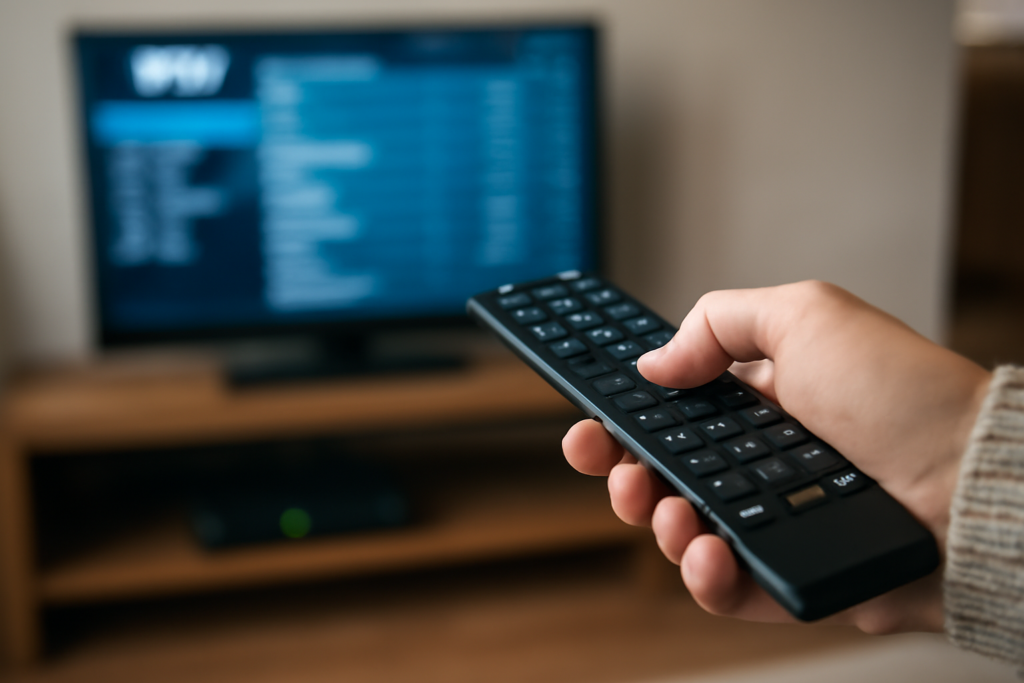
Troubleshooting Common IPTV Streaming Issues at Home: Practical Guide
Troubleshooting Common IPTV Streaming Issues at Home is the focus of this practical guide. The following sections explain useful options, key considerations and clear steps to help readers make an informed decision.
Why IPTV Streaming Can Encounter Issues at Home
Internet Protocol Television (IPTV) delivers live TV and on-demand content over your internet connection, offering flexibility and variety. However, unlike traditional satellite or cable TV, IPTV relies heavily on your home network and internet quality, which can lead to common streaming problems.
Understanding the source of these issues is the first step in troubleshooting. Problems often stem from network instability, device compatibility, or service-related glitches.
Common IPTV Streaming Issues and How to Fix Them
1. Buffering and Stuttering
Buffering — when the video pauses to load — is the most frequent IPTV complaint. It usually signals insufficient bandwidth or network congestion.
- Check Your Internet Speed: IPTV typically requires a stable connection of at least 10 Mbps for HD streams. Use online speed tests to verify your bandwidth.
- Reduce Network Load: Pause other downloads, streaming, or gaming activities that share your bandwidth.
- Use a Wired Connection: Ethernet connections are generally more stable than Wi-Fi, reducing packet loss that causes buffering.
- Adjust Streaming Quality: Lower the video resolution in your IPTV app settings to ease bandwidth demands.
2. IPTV Channels Not Loading or Crashing
If certain channels won’t load or your IPTV app crashes, it could be due to server issues, app bugs, or playlist problems.
- Restart Your Device and Router: A simple reboot can clear temporary glitches.
- Update the IPTV App: Ensure you have the latest version to benefit from bug fixes and optimizations.
- Check Your IPTV Playlist or Subscription: Expired or corrupted playlists can cause channels to fail. Reload or update your playlist, or verify your subscription status.
- Try Alternative IPTV Players: Some players handle streams better; experimenting can isolate app-specific issues.
3. Poor Picture or Audio Quality
Pixelation, freezing frames, or audio lag can diminish your viewing experience.
- Verify Your Internet Stability: Even with sufficient speed, inconsistent ping or jitter can degrade quality.
- Close Background Apps: Other apps can consume processing power or bandwidth, affecting playback.
- Check Device Performance: Older devices may struggle to decode high-bitrate streams smoothly.
- Switch Streaming Protocols: Some IPTV services allow switching between protocols (e.g., HTTP, RTSP) which may improve quality.
4. IPTV Service Interruptions and Blackouts
Sometimes channels or streams suddenly stop working due to provider-side issues or regional restrictions.
- Contact Your IPTV Provider: Check for outages or maintenance schedules.
- Use a VPN Carefully: In some cases, regional restrictions cause blackouts; a VPN may help but ensure it’s legal and supported.
- Report Channel Blackouts: Inform your provider promptly to get resolution or alternatives.
5. Login and Authentication Problems
Failing to log in or frequent disconnections can prevent access to IPTV content.
- Verify Credentials: Double-check username, password, and server URLs.
- Reset Passwords: If you suspect account issues, reset credentials through your provider.
- Clear App Cache: Corrupt cache data can cause login loops; clear it from your device settings.
Optimizing Your Home Setup for IPTV Streaming
To minimize IPTV streaming problems long-term, consider these practical setup tweaks:
- Upgrade Your Router: Modern routers with Quality of Service (QoS) features can prioritize IPTV traffic.
- Position Your Wi-Fi Router Strategically: Place it centrally and avoid obstacles to improve signal strength.
- Use Ethernet for Primary Devices: Connect smart TVs or streaming boxes directly to your router.
- Monitor Your Network: Use apps or your router’s dashboard to identify bandwidth hogs or connectivity drops.
When to Seek Professional Help or Change IPTV Providers
If troubleshooting steps don’t resolve your IPTV issues, the problem might be with your service provider’s infrastructure or your internet service.
- Test IPTV on Multiple Devices: If issues persist across devices, suspect your network or the IPTV service.
- Contact Your ISP: Issues like ISP throttling or unstable broadband can affect IPTV quality.
- Consider Switching IPTV Providers: Some providers maintain more reliable servers or better regional support. See our guide on choosing the right IPTV provider in the UK to evaluate alternatives.
Conclusion
Troubleshooting common IPTV streaming issues requires a mix of network checks, device management, and service verification. Implementing these targeted fixes can significantly enhance your IPTV experience at home. For deeper insights on IPTV setup and optimization, explore our detailed guides on setting up IPTV at home and improving IPTV streaming quality in the UK.
FAQs
How do I check if my internet speed is enough for IPTV?
Use a reputable speed test website or app to measure your download speed. For HD IPTV streaming, aim for at least 10 Mbps stable bandwidth.
Can restarting my router fix IPTV buffering?
Yes, rebooting your router can clear temporary network issues, potentially improving streaming stability.
What is the best way to connect my IPTV device for stable streaming?
Use a wired Ethernet connection whenever possible, as it offers more consistent speeds and lower latency than Wi-Fi.
Why do some IPTV channels not load while others work fine?
This may be due to server-side problems, playlist errors, or regional restrictions affecting specific channels.
Should I use a VPN with IPTV in the UK?
VPN use can help bypass regional blocks but may violate IPTV provider terms or local laws. Use cautiously and legally.


