
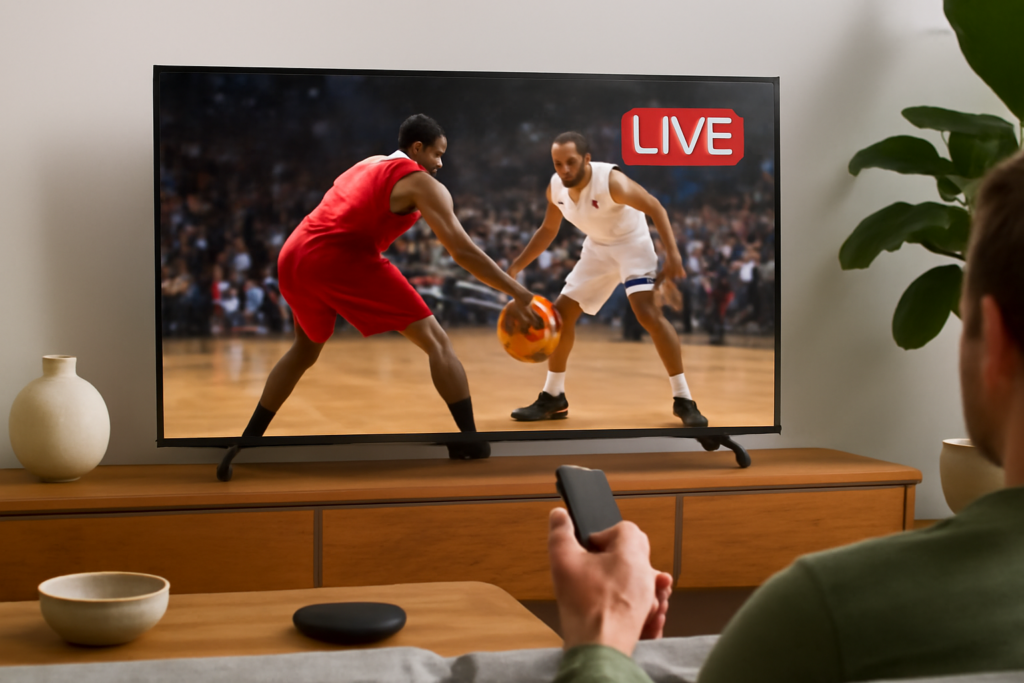
How to Watch Live Sports Using IPTV on Google TV: Practical Guide
How to Watch Live Sports Using IPTV on Google TV is the focus of this practical guide. The following sections explain useful options, key considerations and clear steps to help readers make an informed decision.
Understanding IPTV on Google TV for Live Sports Streaming
Internet Protocol Television (IPTV) delivers television content over the internet rather than traditional cable or satellite. When paired with Google TV, IPTV enables users to stream live sports events on-demand with flexibility. Google TV, built on Android, supports various IPTV apps designed to access live sports channels worldwide.
If you want to watch live sports using IPTV on Google TV, the core idea is to select a reliable IPTV service and install a compatible app on your device. This approach can offer access to multiple sports leagues, tournaments, and events at a fraction of the cost of conventional pay-TV subscriptions.
Key Requirements Before Streaming Live Sports on Google TV with IPTV
- Google TV Device: Ensure you have a Google TV device such as Chromecast with Google TV or a smart TV running Google TV OS.
- Stable Internet Connection: A broadband connection with at least 15 Mbps download speed is recommended for smooth HD streaming, especially for live sports.
- IPTV Subscription or Playlist: Choose a legitimate IPTV provider offering live sports channels or acquire sports-specific M3U playlists.
- IPTV Player App: Download an IPTV player compatible with Google TV, such as IPTV Smarters, TiviMate, or Perfect Player, from the Google Play Store.
Step-by-Step: Setting Up IPTV on Google TV to Watch Live Sports
- Choose a Suitable IPTV Provider: Research providers that specialize in sports content, offering channels for football, basketball, tennis, and other sports you follow. Verify the provider’s reputation and legal standing.
- Install an IPTV Player App: On your Google TV home screen, navigate to the Google Play Store and install your chosen IPTV app.
- Load Your IPTV Service Credentials or Playlist: Open the IPTV app and input your subscription details or upload an M3U playlist file containing live sports channels.
- Configure Settings for Optimal Performance: Adjust video quality based on your internet speed; enable EPG (Electronic Program Guide) if available to track live schedules.
- Start Watching Live Sports: Browse the channel list to find live sports streams and enjoy real-time games on your Google TV.
Choosing the Right IPTV App for Google TV Sports Streaming
Not all IPTV apps are created equal, especially when it comes to live sports. Here are a few factors to consider:
- User Interface: Intuitive navigation and channel organization help you quickly find sports matches.
- EPG Support: An integrated program guide is vital for keeping track of game start times and upcoming events.
- Performance and Stability: Apps with hardware acceleration and buffer management reduce lag during fast-paced sports.
- Multi-Screen Support: Some apps allow streaming on multiple devices simultaneously, useful if you want to watch different sports in different rooms.
Popular IPTV apps on Google TV include IPTV Smarters Pro, TiviMate, and Perfect Player. Evaluate trial versions if available before committing.
Tips to Enhance Your IPTV Live Sports Experience on Google TV
- Use a Wired Ethernet Connection When Possible: It provides a more stable and consistent internet connection than Wi-Fi, reducing buffering during live events.
- Keep Your IPTV App Updated: Developers frequently release updates that improve compatibility and fix bugs affecting live streaming.
- Consider a VPN for Privacy and Access: Some sports channels are geo-restricted. A reputable VPN can help you bypass regional blocks, but ensure it doesn’t reduce your streaming speed excessively.
- Manage Your Channel List: Customize or filter channels to highlight your favorite sports leagues, making navigation faster.
- Check IPTV Service Reliability: Sports fans need uninterrupted viewing. Research uptime reports and user reviews to avoid services with frequent blackouts.
Common Challenges and How to Address Them
Buffering and Lag: Often caused by insufficient bandwidth or Wi-Fi interference. Switch to a wired connection or lower the stream quality temporarily.
Channel Blackouts: Some IPTV services may lose access to certain sports channels due to licensing. Having a backup provider or alternative channels in your playlist can help.
App Compatibility Issues: If your preferred IPTV app has bugs or crashes on Google TV, try alternative apps or check for updates.
Legal Considerations When Using IPTV for Live Sports
Not all IPTV services operate within legal frameworks, especially those offering premium sports content at suspiciously low prices or for free. Always choose IPTV providers that have proper broadcasting rights to avoid copyright infringement and potential service interruptions. Legal IPTV services ensure consistent access, better video quality, and support.
Conclusion
Watching live sports using IPTV on Google TV combines the convenience of internet streaming with a powerful media platform. By selecting a reliable IPTV provider, installing a compatible app, and optimizing your setup, you can enjoy live sports events in your living room without the constraints of traditional cable or satellite TV. Keep in mind the importance of a strong internet connection, app updates, and legal service choices for the best experience.


