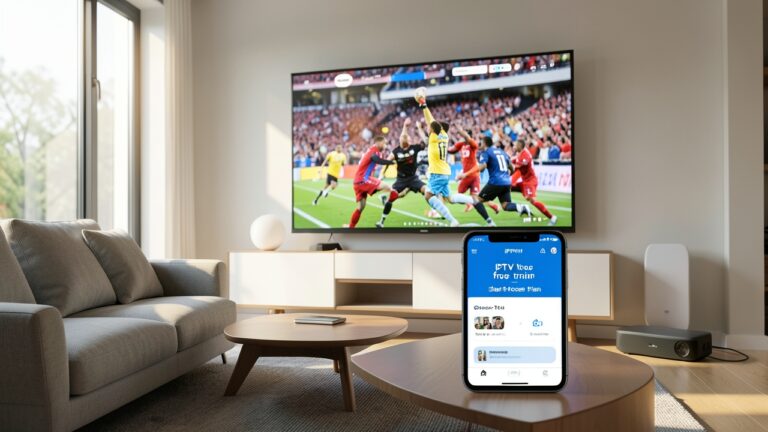
IPTV EPG guide UK setup does not have to be complicated. If your channel list is correct but programme names, times or descriptions are missing, the problem is often the EPG source or the way the playlist has been loaded into your IPTV player.
A well-managed EPG makes everyday viewing much easier. Instead of opening channels one by one, you can see what is on now, what is coming next and which programme you want to watch. This guide explains how EPG and playlist management work, what to check when listings are missing, and how to keep your IPTV setup organised.
What is an IPTV EPG?
EPG stands for Electronic Programme Guide. It is the TV guide that displays programme names, schedules and other information alongside your live channels. Depending on the service and player, an EPG can show the current programme, the next programme, programme descriptions and a timeline for the day.
For UK viewers, a good EPG is especially useful when you have a large playlist with entertainment, news, documentary and sports channels. Without accurate guide data, a long channel list can quickly become difficult to navigate.
How EPG and playlists work together
Your playlist tells the IPTV player which channels are available and where the streams are located. The EPG provides the programme information for those channels. The two need to match correctly for the guide to display useful listings.
If the playlist has a channel with one name while the EPG uses a different channel identifier, the player may not connect the guide data automatically. This is why an IPTV playlist can work perfectly while the EPG remains empty.
Common IPTV EPG problems
- EPG is completely empty: The EPG source may be missing, expired or unavailable.
- Only some channels have listings: Channel identifiers may not match between the playlist and EPG.
- Wrong programme information: The EPG source may be outdated or mapped to a different channel.
- Listings show the wrong time: Check the player timezone and EPG timezone settings.
- Guide data stops updating: Refresh the EPG and check whether the source is still responding.
How to manage an IPTV playlist properly
Start with a clean playlist. Remove duplicate channels and unused entries where your player allows it. A smaller, organised list is easier to search and can make the guide more useful.
Next, check the channel names and identifiers. If your player supports manual EPG mapping, use it when a channel does not match automatically. Make changes gradually and refresh the guide after each important change so you can see what solved the problem.
Refresh your EPG before changing everything
When guide data disappears, the first step should usually be a refresh rather than replacing the whole playlist. Close and reopen the IPTV app, refresh the EPG data and allow the player enough time to download the listings.
If the problem continues, test the same playlist on another supported device or player. This helps you work out whether the issue is with the EPG source, the playlist or the app itself.
EPG tips for UK IPTV viewers
Keep your device date and time set automatically. Make sure the correct UK timezone is selected, especially after travelling or changing device settings. Also keep your IPTV player updated because older versions can sometimes handle playlist and guide data poorly.
If you use several devices, try to keep the same playlist structure and EPG source across them. This makes troubleshooting much easier when one device behaves differently from another.
When should you contact support?
If live channels work but EPG data is missing across multiple devices, the issue may be with the EPG source rather than your TV or internet connection. If only one device has the problem, check that device’s app settings first.
For help getting started, visit our IPTV Setup Guide and check the IPTV FAQs. You can also review our IPTV pricing plans if you are comparing setup options.
Final thoughts
Good EPG and playlist management is mainly about keeping your channel data organised and making sure the guide source matches the playlist. Start with the simple checks: refresh the EPG, verify the timezone, check channel mapping and test the setup on another device. These steps can save a lot of unnecessary changes and make everyday IPTV viewing much smoother.